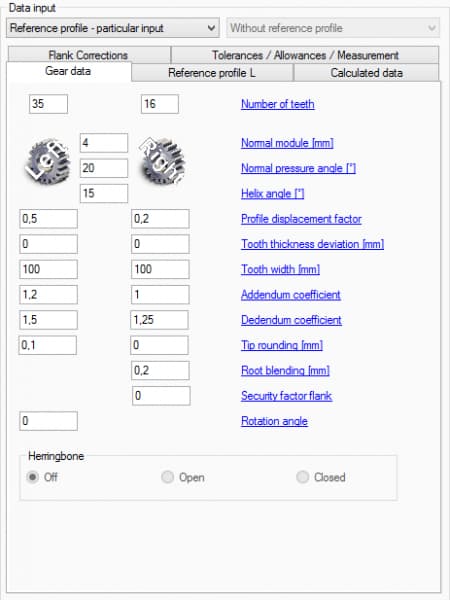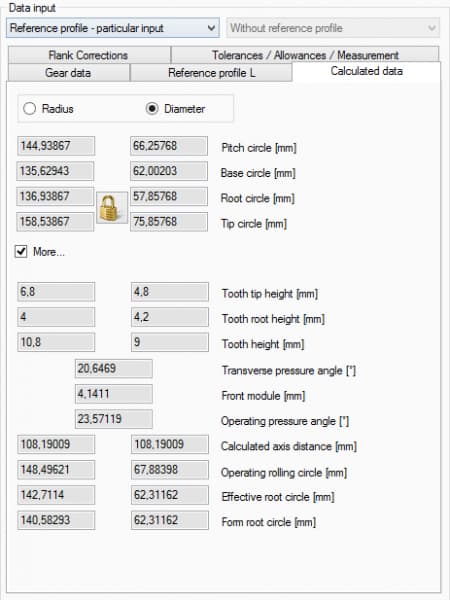
Easy parameter entry via default screens.
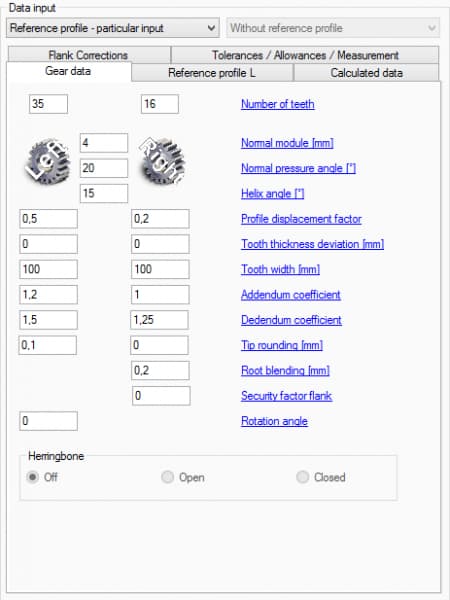
Designing a gear through CAD is extremely easy, since basic gear-wheel data is entered in the designated input fields, such as module, helix angle, etc. Each input field shows an explanatory text with a graphic.
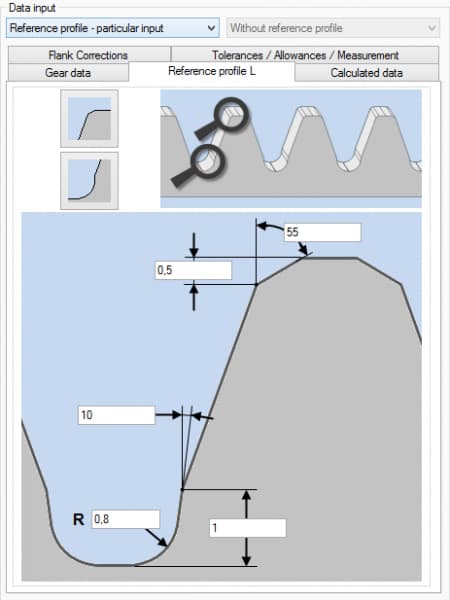
After defining the basic parameters, the tip relief is defined. This can be done using a standard reference profile that fixes the parameters predefined by DIN standards, or you can choose to enter and control all important parameters — angle, radius and height — yourself. In addition, a tip chamfer with defined angle and distance can be set, and all of it is easy to machine using InvoMilling™, resulting in significant time savings.